
QuarryMaster® Configurator
Your configuration software for Quarrymaster made-to-measure conveyor drives!
Step 1: Select Motor
Select the desired motor power for your gearbox.
Note: Don't know the power and speed? Then use our power calculation tool.
Step 2: Select Output Type
Select the desired hollow shaft configuration based on your motor configuration
Note: Available diameters are calculated automatically based on your motor selection (power + speed).

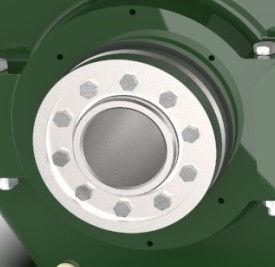
Step 3: Select Additional Components
Select the desired additional components for your gearbox
Step 4: Select Mounting Position
Select the desired mounting position for your gearbox
Horizontal Mounting Positions
Vertical Mounting Positions
Step 5: Select Paint Finish
Select a standard color or specify your desired RAL color
Standard Colors
Special Coatings
ℹ️ Note: Please add any additional technical requirements directly in the email text.
Your QuarryMaster Product Number Generated based on your configuration